
- Chương Trình Đào Tạo
- Dịch Vụ
- Khuyến Mãi
- Lịch Khai Giảng
- Trung Tâm Thi
- Thông Tin
- Liên Hệ
7/3/2019


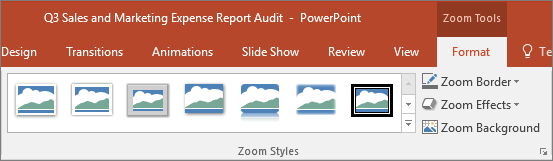
Another way you can change the look of your Zoom is by choosing to adopt the background of the slide where your zoom lives to make the Zoom almost indistinguishable from the main canvas while you present. Select Zoom Background to make your Summary, Section, or Slide Zooms blend in to their home slide.

12/11/2025


