
- Training
- Service
- Promotion
- Schedule
- Testing Center
- News
- Contact
7/3/2019


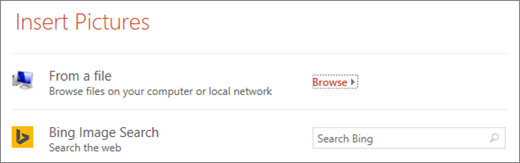
Your Section Zoom by default will be a preview thumbnail image of the slide, but you can choose a new image from your PC or the web to represent the section or slide you'll be going to.

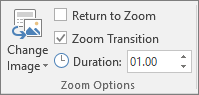
You can also choose various looks for your Zooms from Zoom Styles—you can change the border, add visual effects, or pick from any of the border and effect combinations in the gallery.


12/11/2025


