
- Training
- Service
- Promotion
- Schedule
- Testing Center
- News
- Contact


We know many of you live in a multi-device world, working cross-device to get tasks done. Microsoft is excited to bring you more flexibility and and freedom to use Forms - wherever you are, on whichever device, or devices, you choose.
Whether you are creating a Form or Quiz from scratch, want to edit an existing one, or want to analyze the results, now you can do this fully End-To-End from your mobile device while on the go.
Try it today at https://forms.office.com/
Here are just a few examples of the new mobile experience:
 |
 |
|||
|
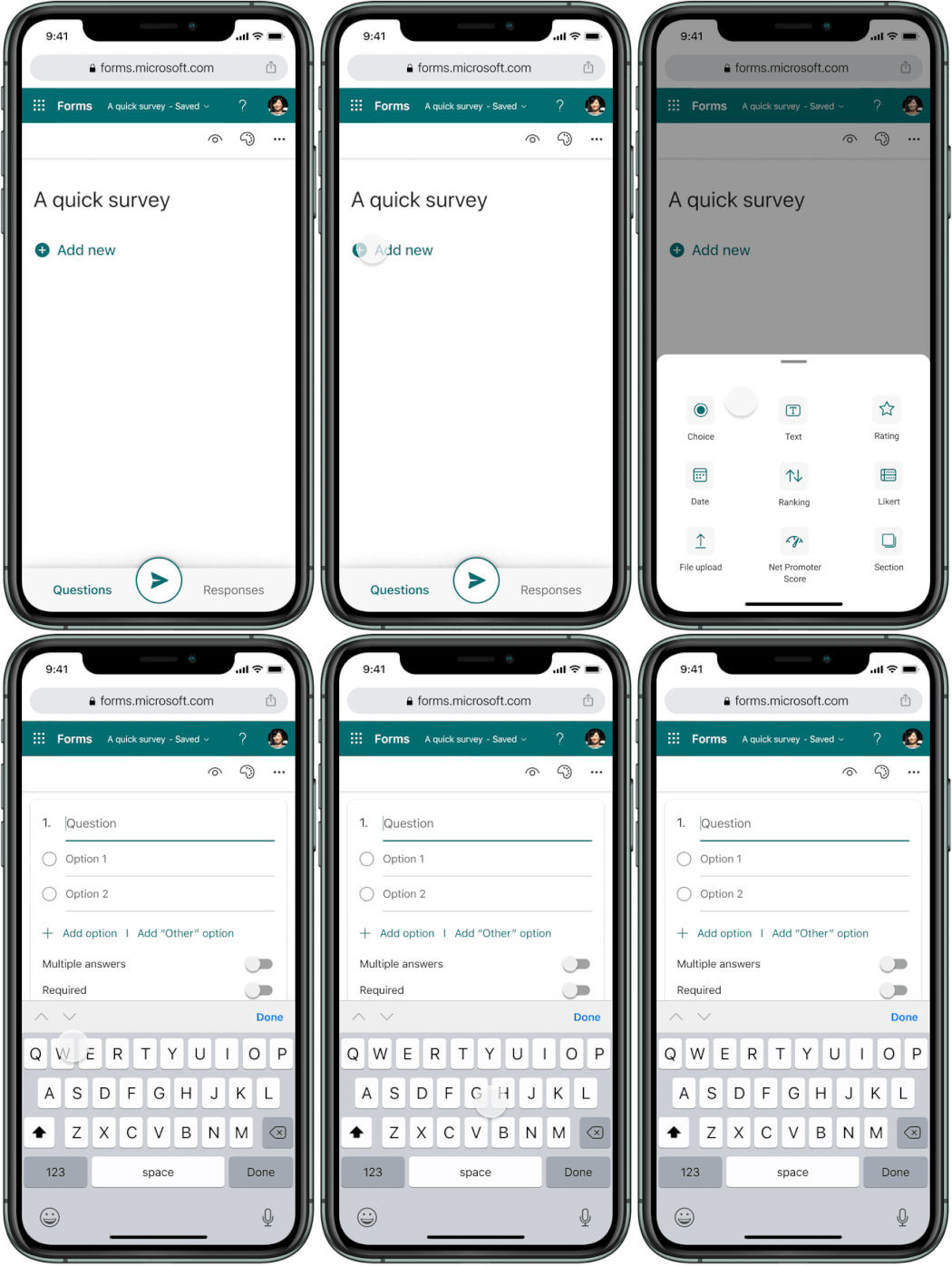
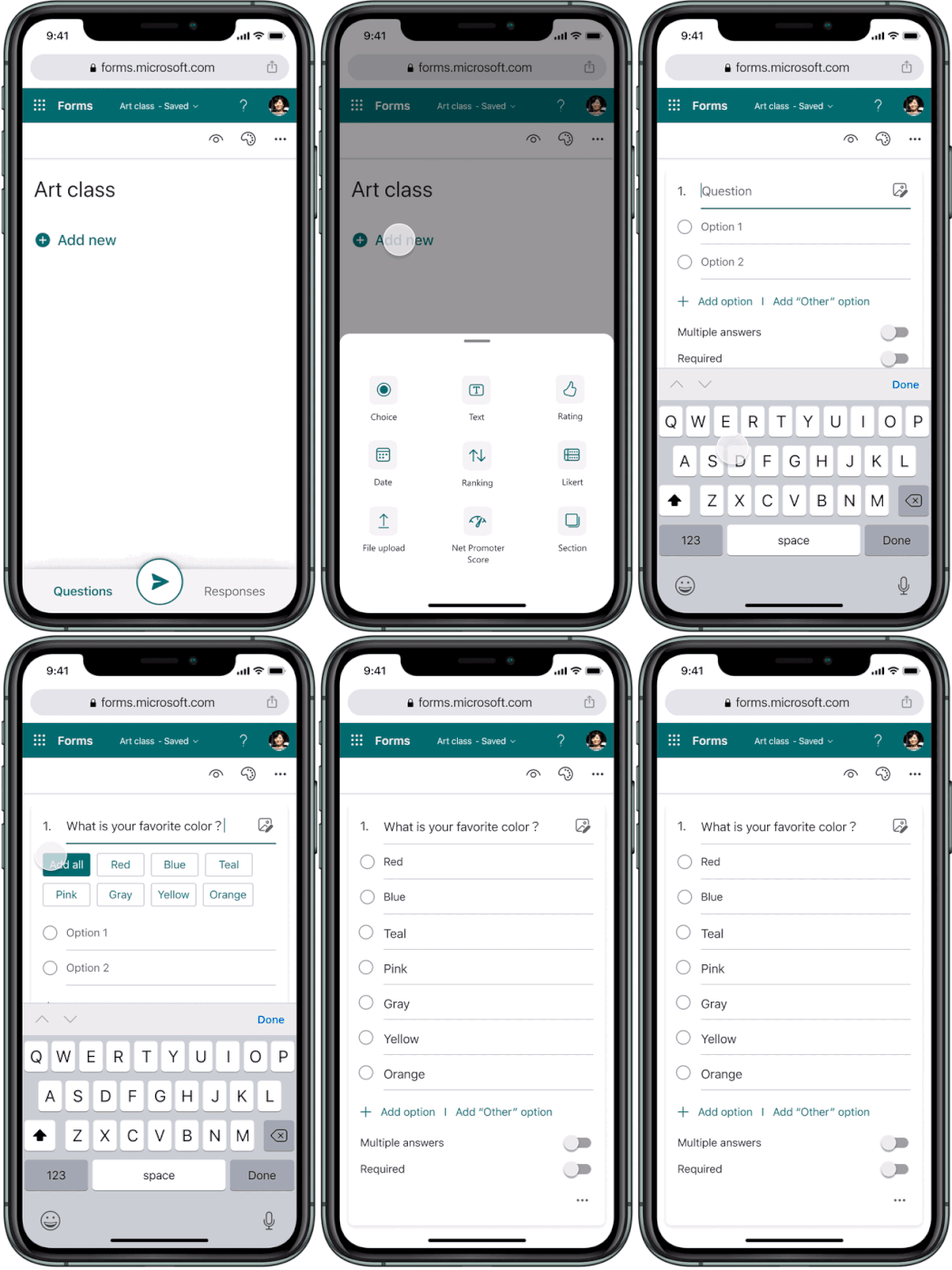
All question types supported - including advanced question types such as File Upload, Likert, Net Promoter Score |
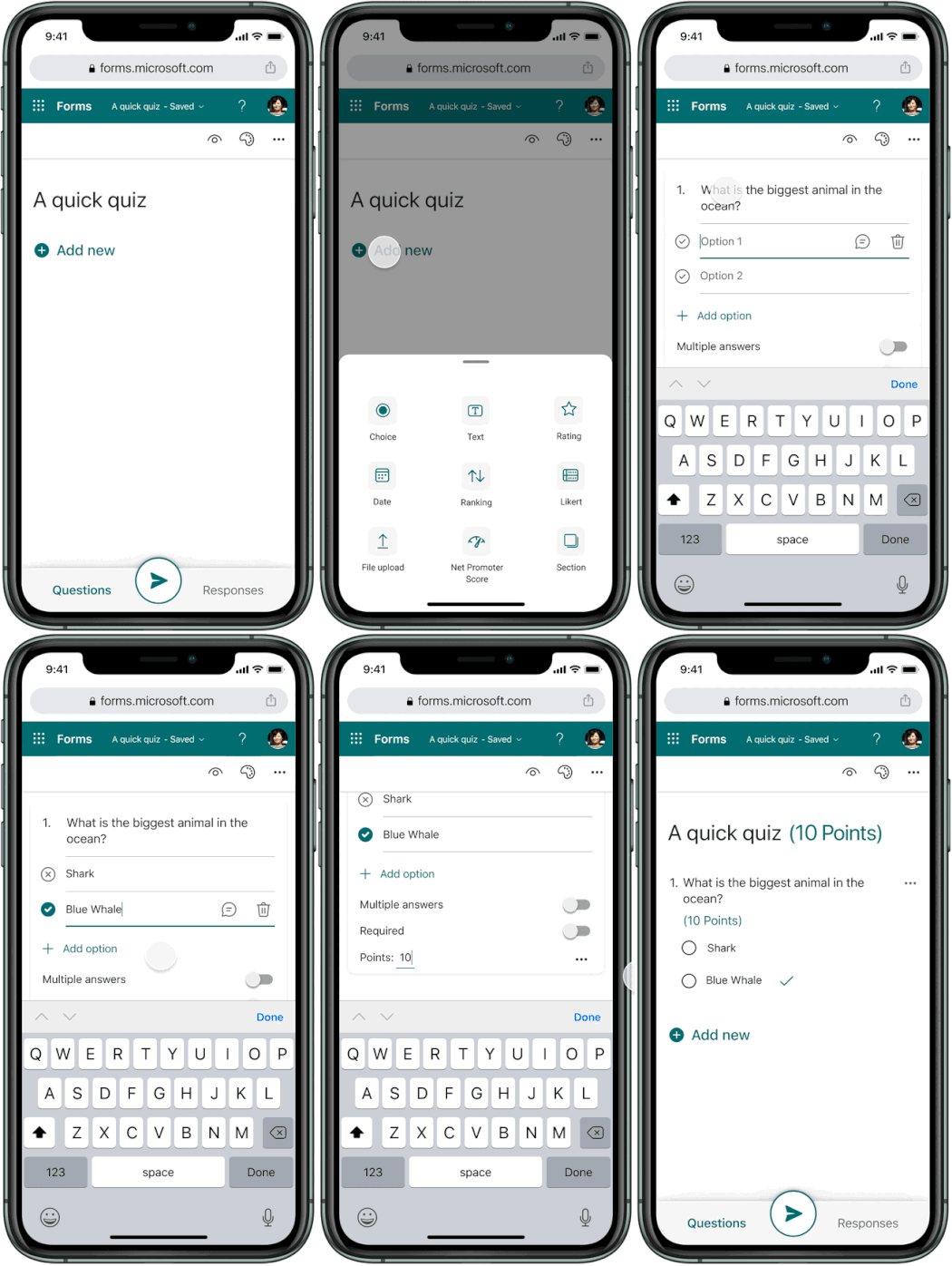
Quiz creation - use your phone to create quizzes, set correct answers and points |
|||
 |
 |
|||
|
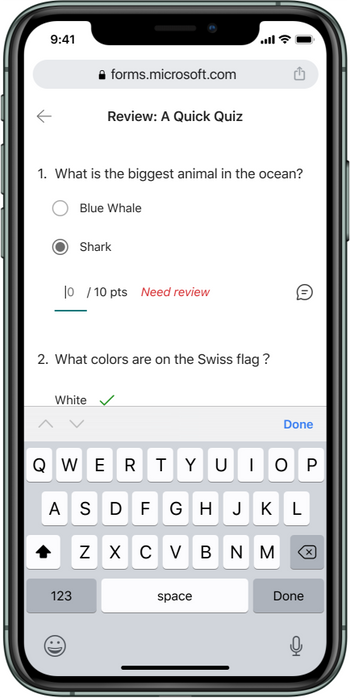
Quiz grading and commenting - review quiz responses and manual grade & comment where needed |
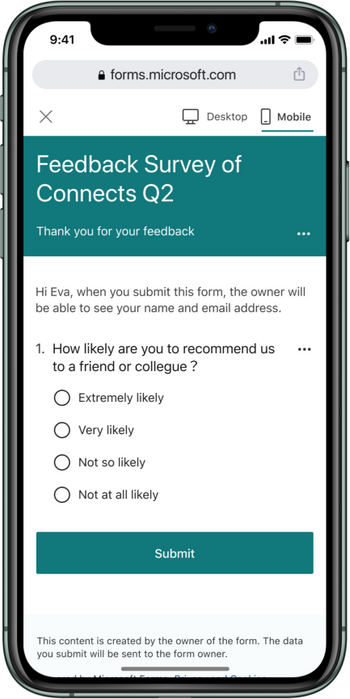
Preview - preview the Form or Quiz before you send it out. You can easily see what it will look like for both phone users and desktop users |
|||
 |
 |
|||
|
Intelligent suggestions - see smart suggestions as you develop your Form |
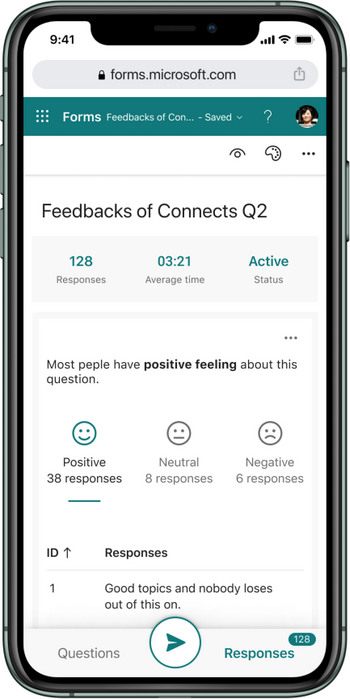
Intelligent insights - see intelligent insights as you analyze results |
|||
 |
 |
|||
|
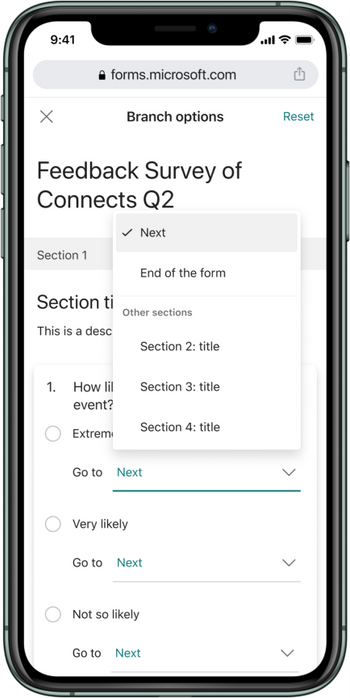
Branching - to create more complex forms and quizzes which Branch users to a different question or section depending on their responses |
Themes - pick from a wide variety of themes or even add your own custom one |
|||
 |
 |
|||
|
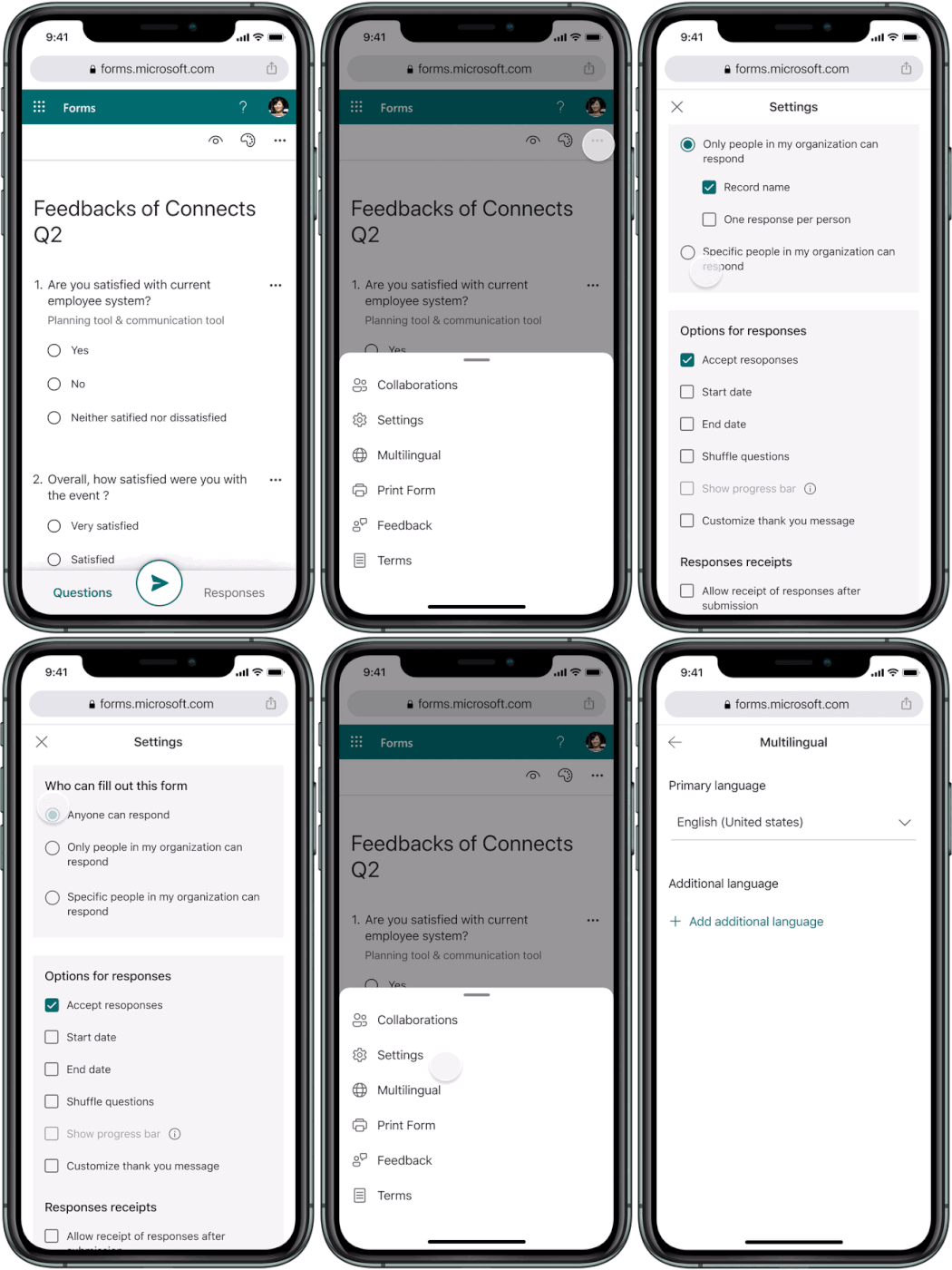
Settings - edit all Form/Quiz settings directly from your mobile device, such as start/end time, controlling thank you message, and more |
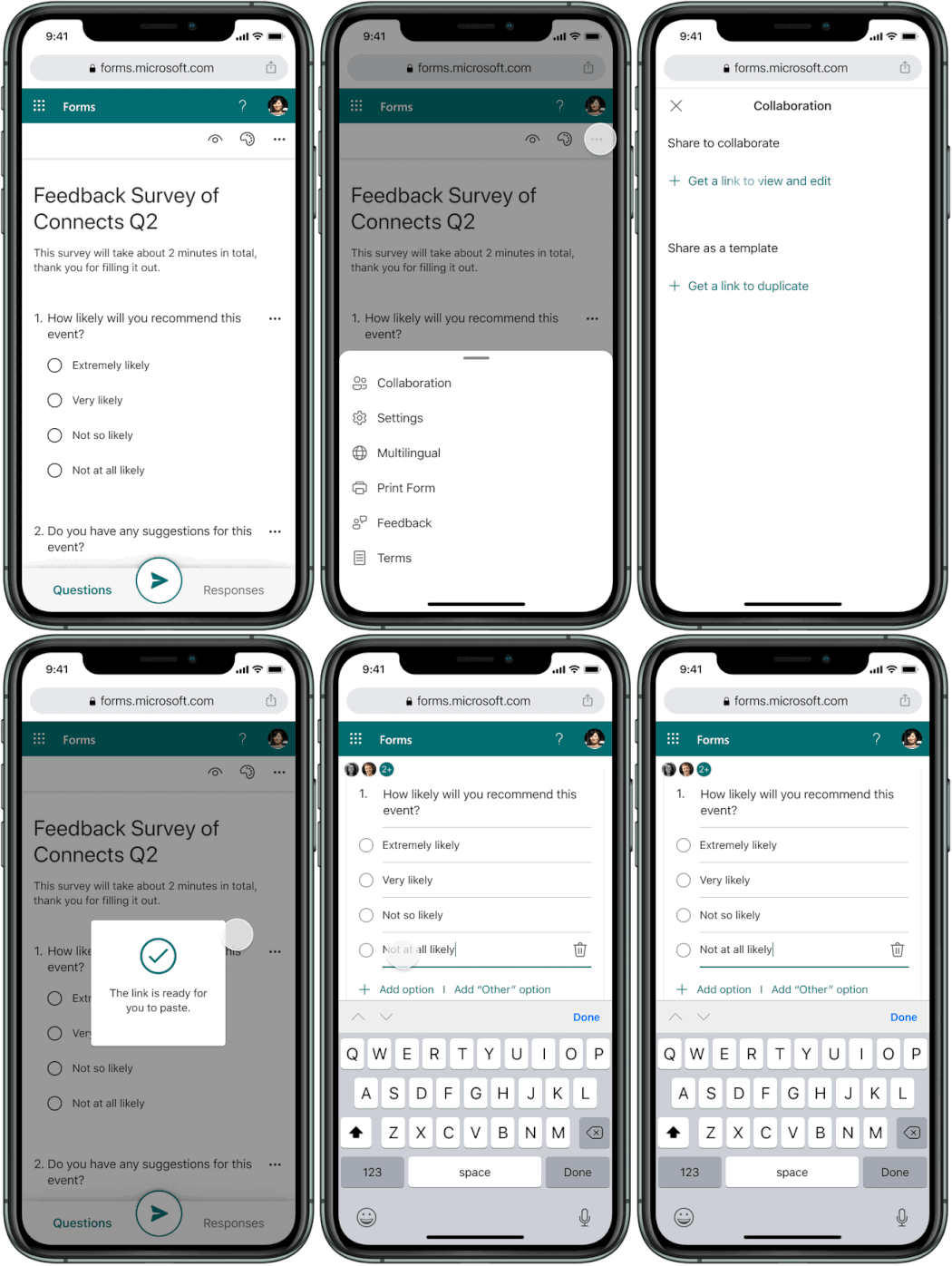
Collaboration - coauthor a Form or Quiz with your friends or peers |
Additional FAQ:
When will this become available?
Source: techcommunity.microsoft.com


