
- Training
- Service
- Promotion
- Schedule
- Testing Center
- News
- Contact


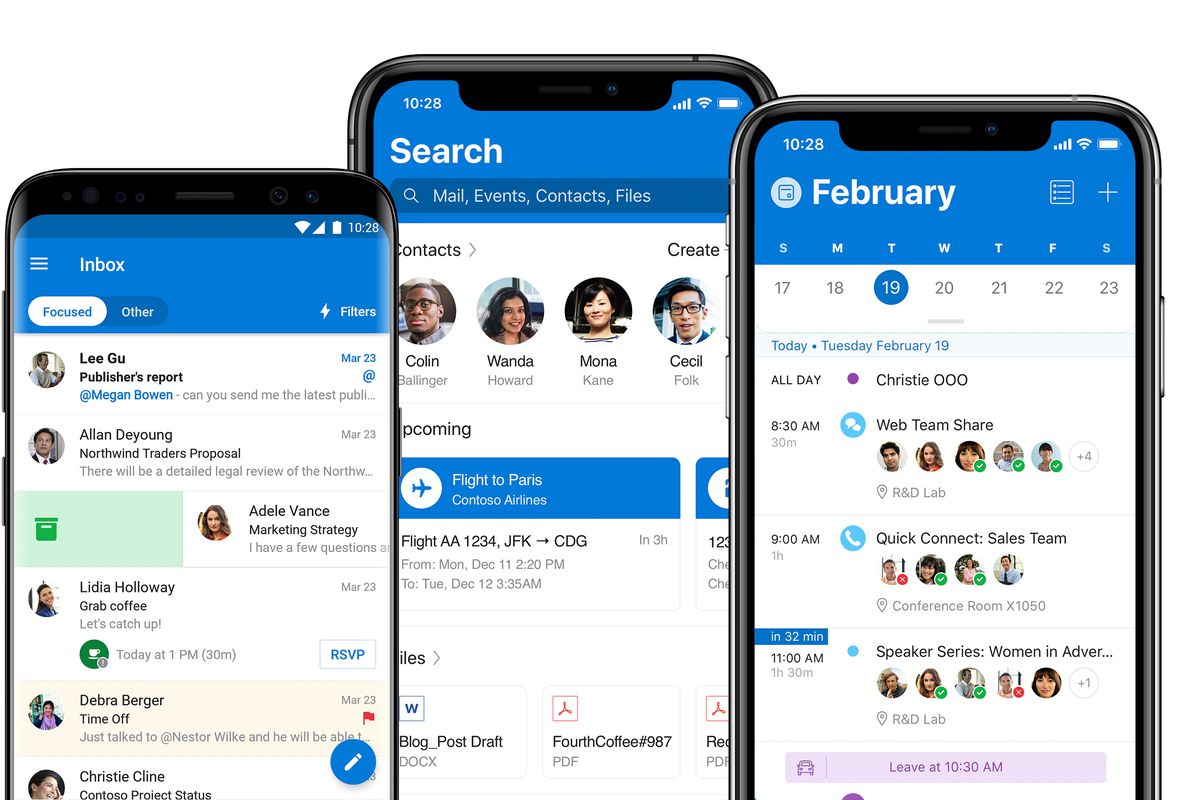
Microsoft has started bringing more ads to Outlook mobile for iOS and Android in recent months.
The Outlook mobile app gives users two options to organize their inbox: a single inbox with everything in it, or a tabbed inbox divided into two categories - “focused” with important messages and “Other” with all the rest. Previously, Microsoft only placed ads in the “Other” tab for free users, but now Microsoft is also adding them to a single inbox mode.

The change has been rolling out over the past few months, and Microsoft is essentially making it harder for free users to avoid ads in Outlook Mobile. Whichever inbox mode you use, there will be ads somewhere in the mix - at the top of the Other tab or the top of your regular inbox. Indeed, the only way currently to avoid advertising in Outlook mobile is to pay for a Microsoft 365 subscription.
“For free Outlook users, ads are displayed in their inbox and they can choose to enable Focused inbox if they only want to see ads in their inbox,” said Microsoft spokesperson Caitlin Roulston "Other".
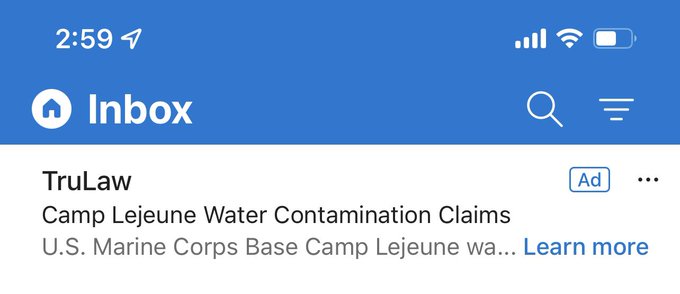
Ads appear at the top of inboxes and confusingly look like real emails, similar to how Microsoft and Google display ads inside web versions of Outlook and Gmail. You can swipe to delete email-like ads, but they'll soon reappear and opening an ad will display the ad content in the in-app browser.
No one likes the ads, and Outlook Mobile users have left many complaints about the one-star rating for the app on Apple's App Store. Some people on Twitter and Reddit also expressed their disappointment at more ads appearing in Outlook mobile, but the only way to avoid them altogether is to sign up for Microsoft 365.
Source: https://www.theverge.com


