
- Training
- Service
- Promotion
- Schedule
- Testing Center
- News
- Contact


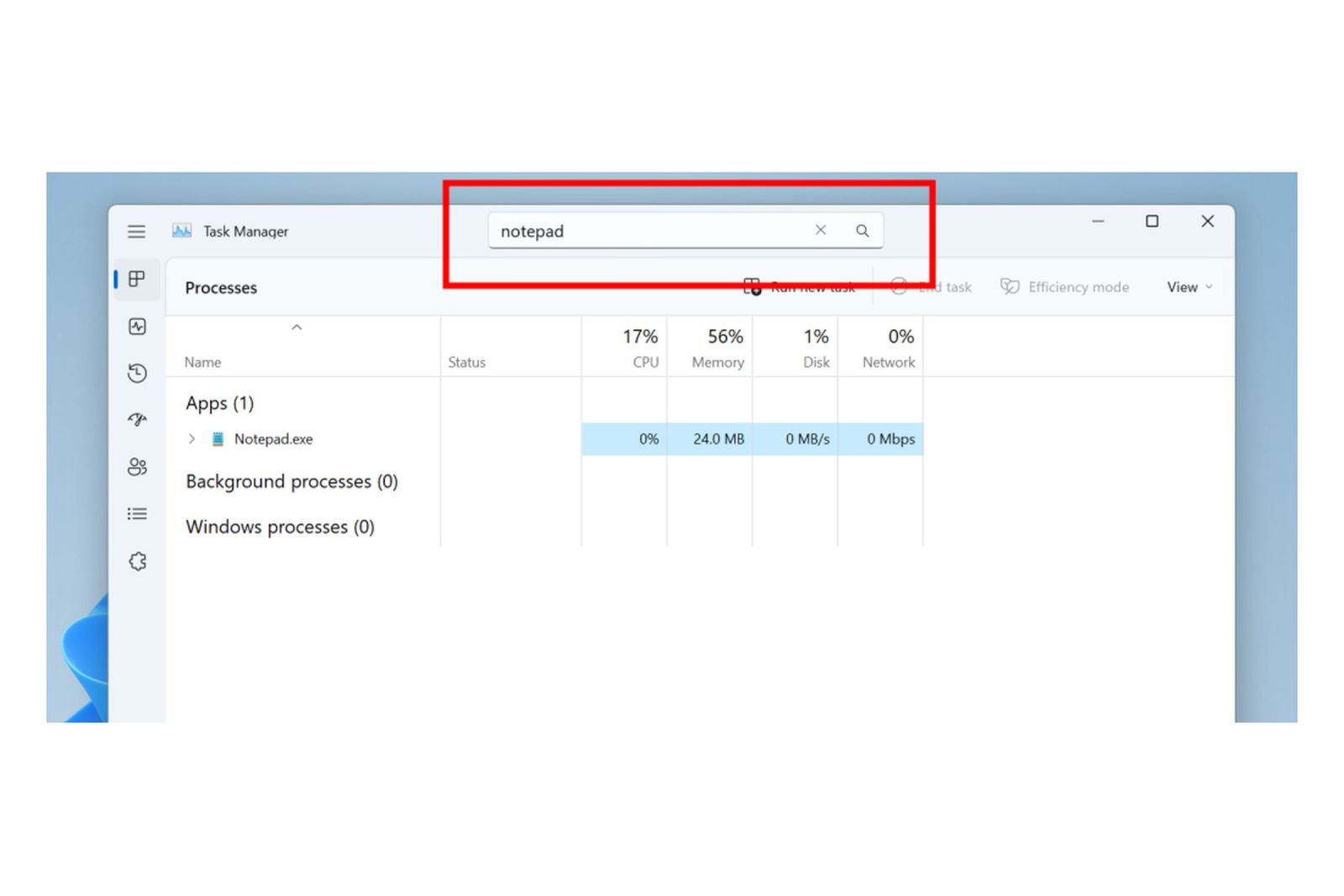
Microsoft has started testing a new search and filtering system for Task Manager on Windows 11. It will allow Windows users to easily find the misbehaving application and end its process or quickly generate a dump file. , turn on efficiency mode, and so on.
This is a top feature request from users to filter/search for processes, the Windows Insider team explains: “You can filter by using binary name, PID, or publisher name. The filter algorithm matches the context keyword with all possible matches and displays them on the current page”.
You will be able to use the keyboard shortcut alt + F to jump to the filter box in Task Manager and the results will be filtered into single processes or groups that you can monitor or take action on.
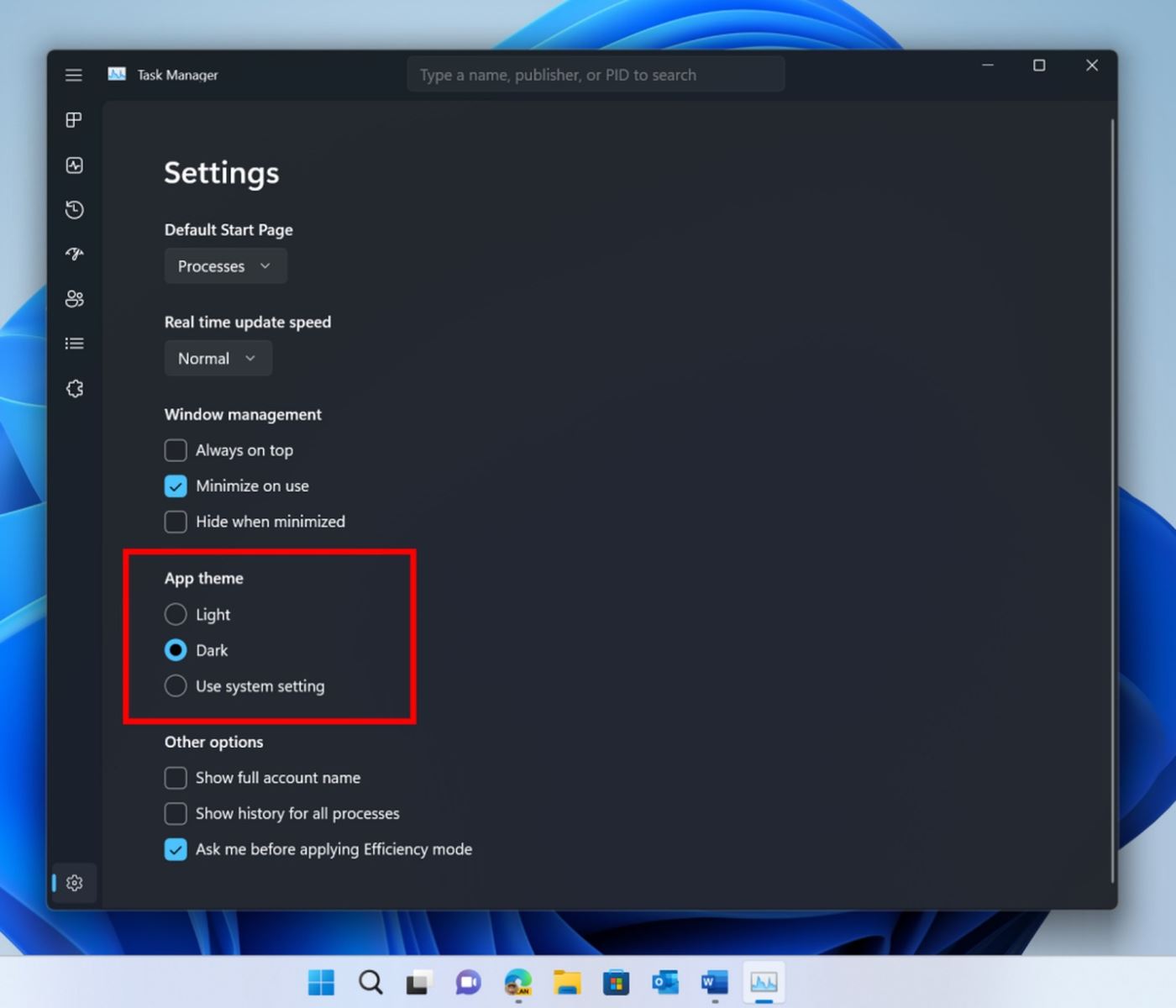
Besides the new search and filter functionality, Microsoft also added the ability to choose between light or dark themes in the Task Manager. Themes will also be fully applied in Task Manager, with some updates to its user interface to better align with Microsoft's overall Fluent work.
Last but not least, Microsoft is improving the efficiency mode in Task Manager. This mode is used to lower the priority of the process or improve power efficiency, and it is easier to opt out of the confirmation dialog.
Source: https://www.theverge.com


