
- Training
- Service
- Promotion
- Schedule
- Testing Center
- News
- Contact
8/13/2020


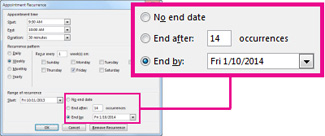
The best way to cancel remaining meetings in a series is to send a meeting update with a new end date.
Note: Once you click OK, the meeting agenda, notes, and attachments that were added to the previous instances of the series will be deleted.
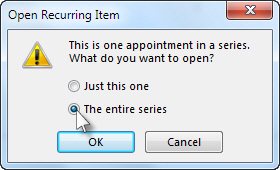
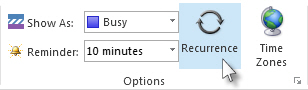

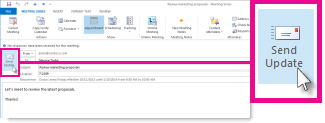
Only the meeting organizer—the person who sends a meeting request—can send a meeting update or a cancellation to all attendees.
If you're not the meeting organizer, you can't edit the meeting details, so to remove all future meetings in a series from your calendar, you'll need to delete the meeting series.
Note: These steps will also remove all past occurrences of the meeting series from your calendar. If you are not the meeting organizer, the only way to remove future occurrences without removing past occurrences is to delete each instance of a recurring meeting individually.
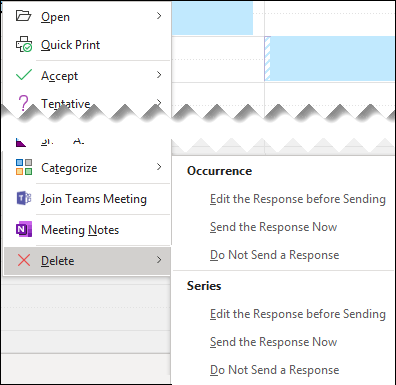
2. Under Series, select the appropriate option.

12/11/2025


