Manage sites

5/31/2022


Your Power Pages home serves as the central hub for managing all your sites. Here you can view a list of all sites in your selected environment and take action for each website.

For each website in your environment, the site card provides you details about the site such as:

  • Site name and web address
  • Site creator's name
  • Suggested next steps, as you build and edit your site
  • A thumbnail that captures a snapshot of your site. If your website is authenticated, this thumbnail will show the sign-in page that your users will see.

Each site card also links to actions such as:
  • Edit - which redirects you to the design studio experience.
  • Preview - which gives you a glimpse of how your users will view the website.
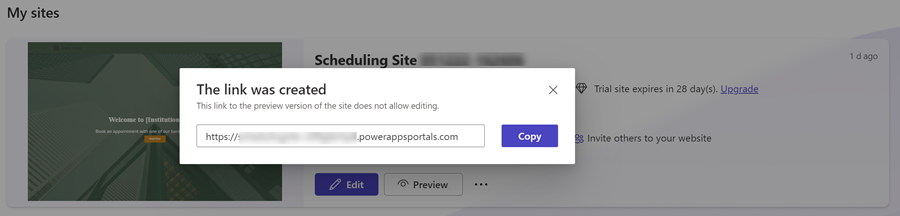
  • Share - which creates a link you can send others to preview the site.

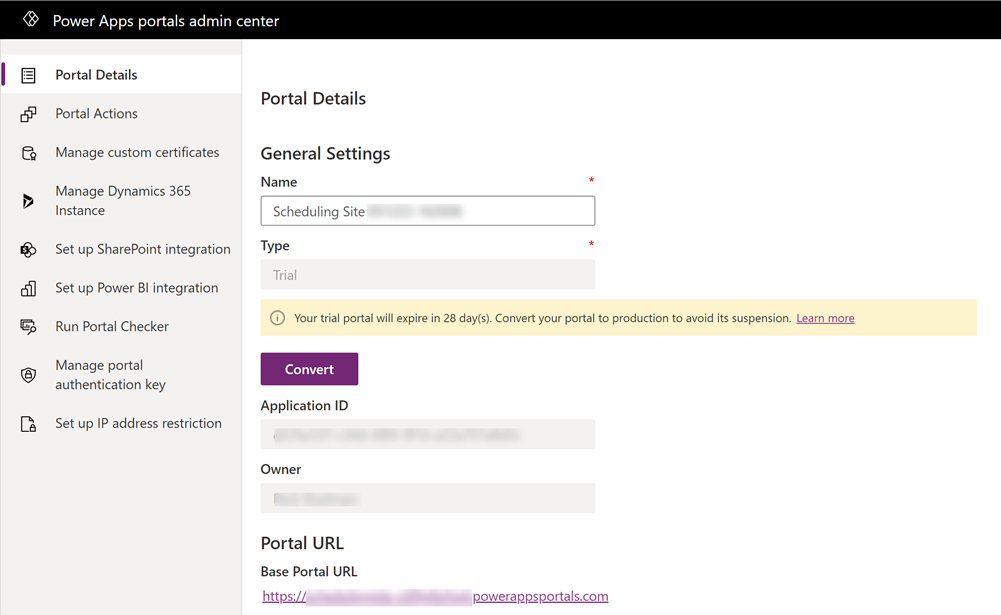
  • Manage - which links you to the Power Apps portals admin center for the site.

  • Delete - which deletes the site and removes it from the site list.


Source: docs.microsoft.com